
Skip to content

AI-assisted site platform

Describe your idea. Kullya gets it live.

Write what you need; Kullya prepares the pages, content and design. Then edit it and publish on your own domain.

home.hero.salesClosed.note Privacy home.hero.salesClosed.invited

Start by picking a purpose

One sentence, three screens

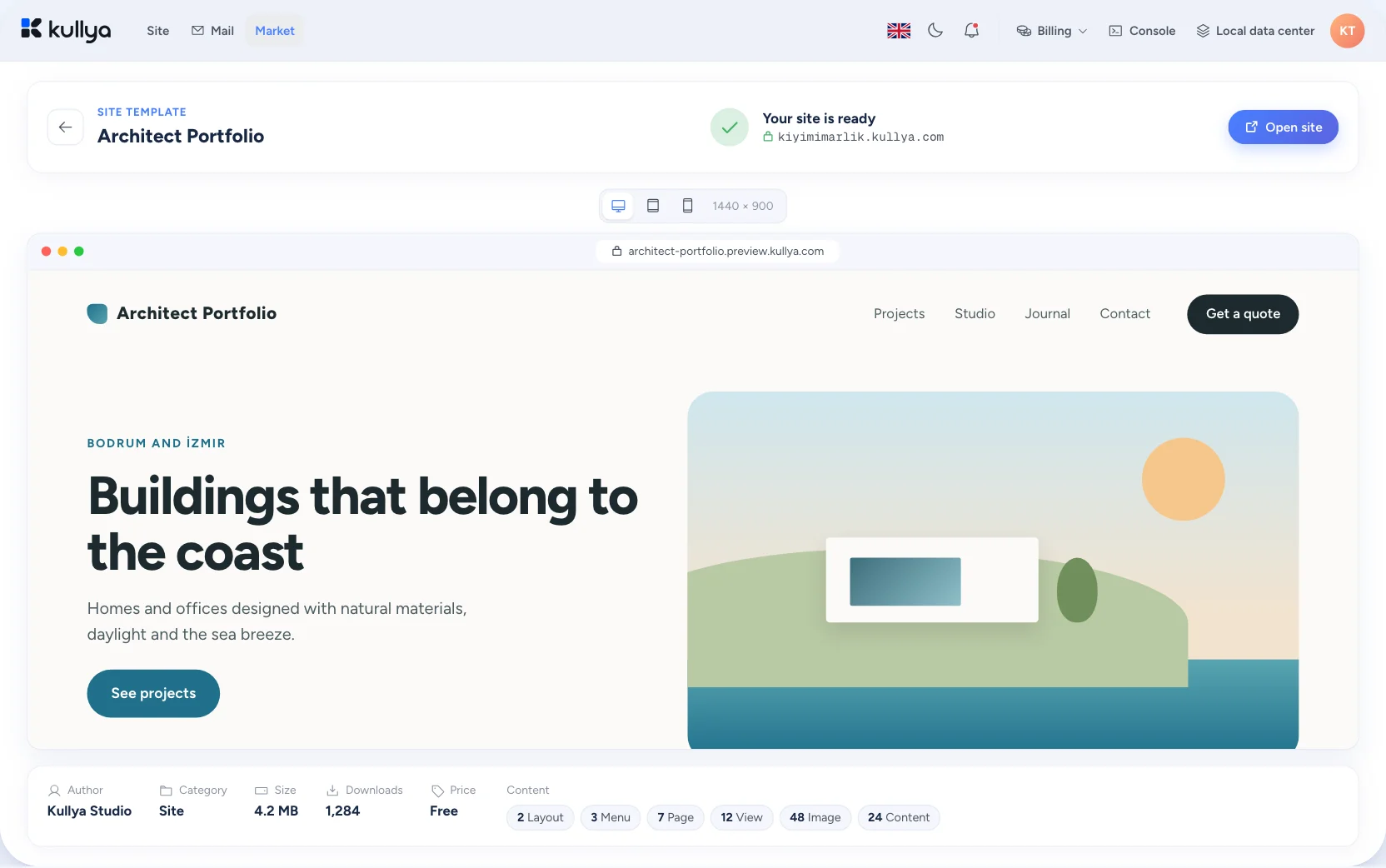
See how the same draft looks on desktop, tablet and mobile for the purpose you pick.

The same draft at three screen sizes

From idea to a working site in four stops

You stay in control at every stop. The same line later extends into a portal, a store or an app.

  1. Write your goal in everyday language. Industry, languages and pages come through in the sentence.

  2. Kullya prepares the pages, content structure and base design. You see it in the preview.

  3. Fine-tune with the visual editor or with code. Everything the AI produces stays editable.

  4. Connect your domain, go live, follow your traffic and extend as needs change.

When the site grows, the platform stays the same

Needs grow after the first page. New surfaces join with the same panel, the same data and the same team permissions.

  • Customer and dealer portals

    Signed-in areas, role-based permissions and a screen of its own for every group.

    Explore: Customer and dealer portals
  • Online store

    Products, cart and orders, each language with its own address and currency.

    Explore: Online store
  • Email marketing

    Pick your list, prepare the campaign and manage sending from the same panel.

    Explore: Email marketing
  • Your own APIs and integrations

    Write endpoints in KScript, connect to outside services and move data where you need it.

    Explore: Your own APIs and integrations

The whole job in one panel

Your site, its content and its data live in the same panel. You move from one job to the next without switching tools.

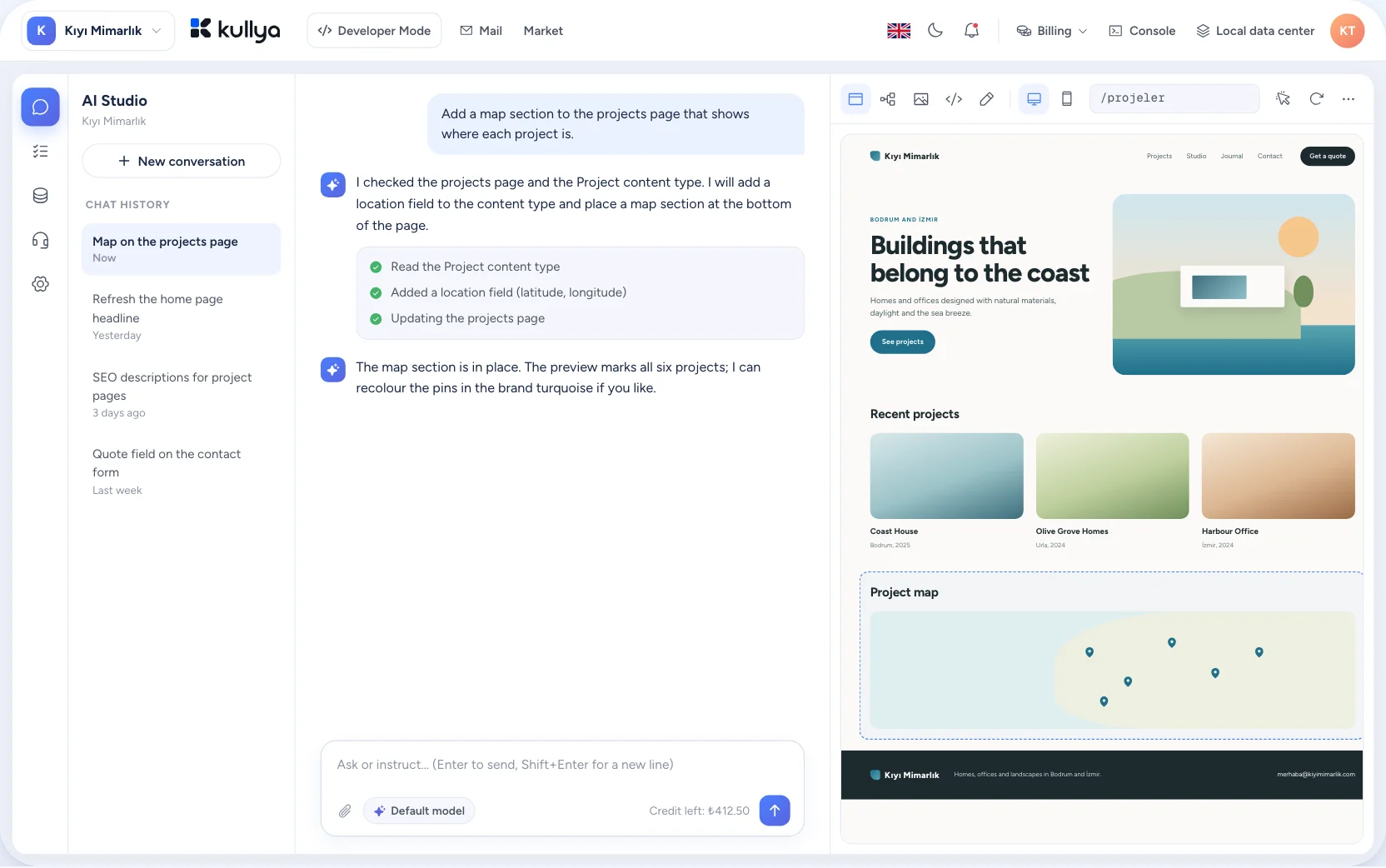
Kullya Studio AI chat and live preview
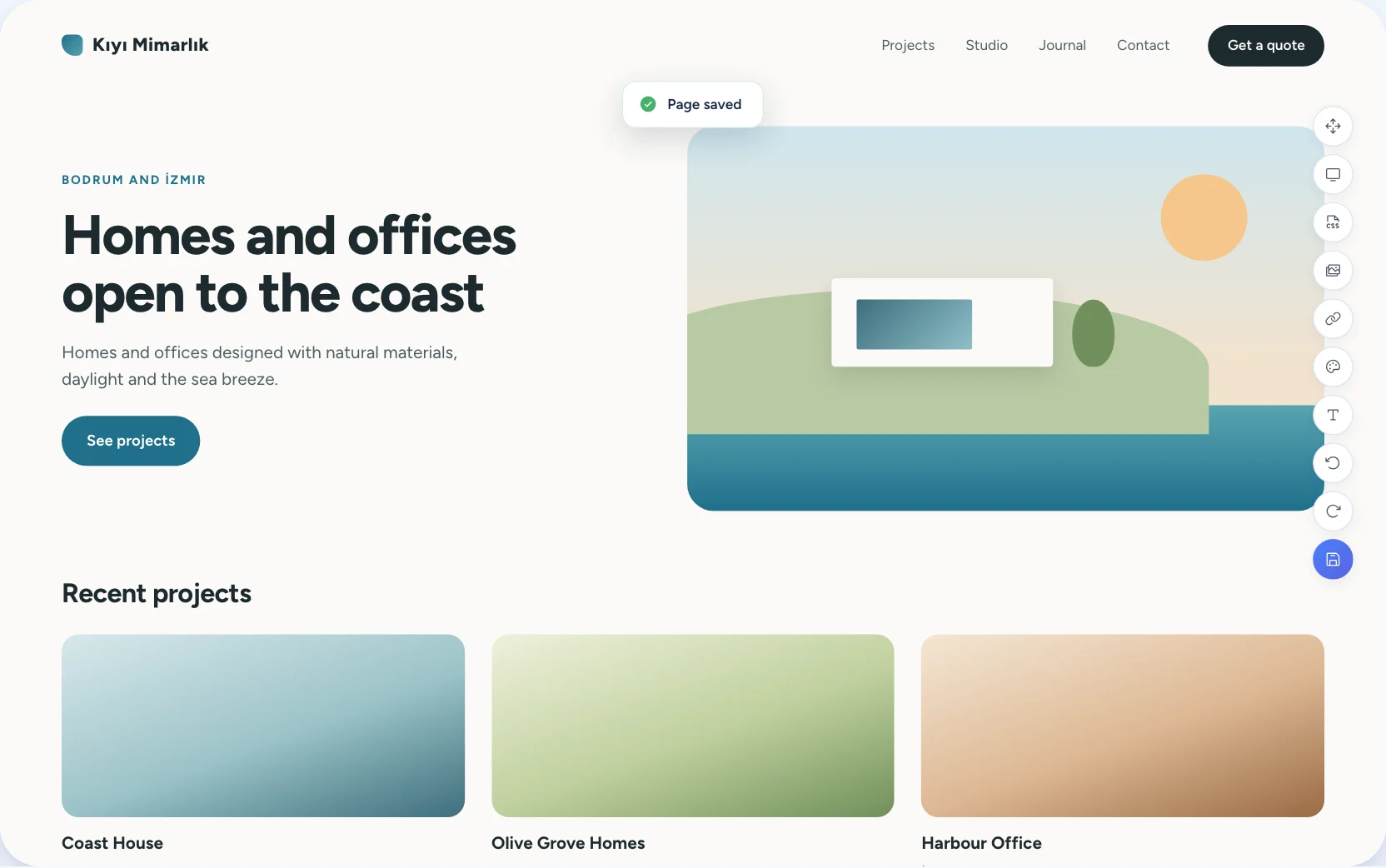
Inline design editor
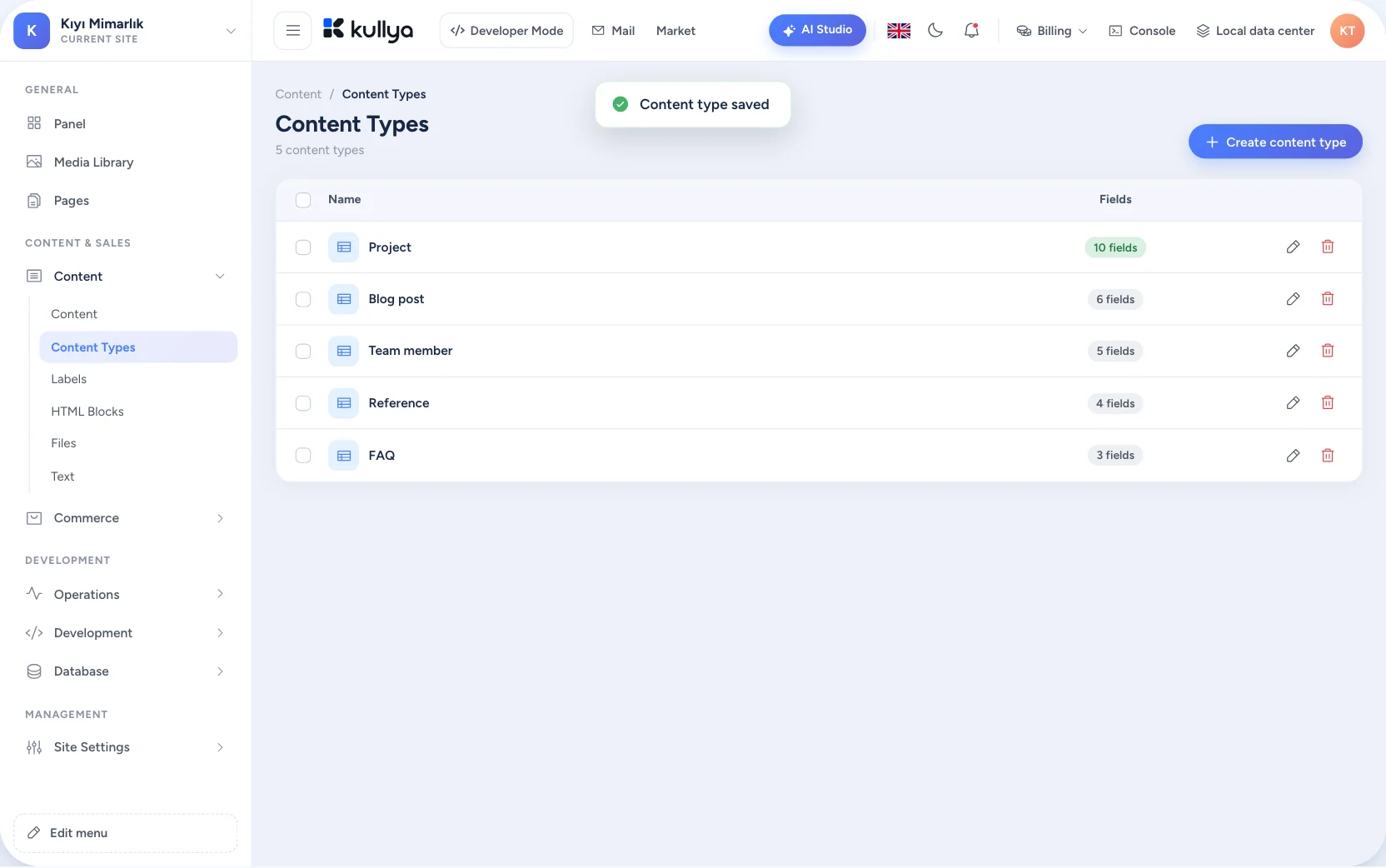
Content types and entry list
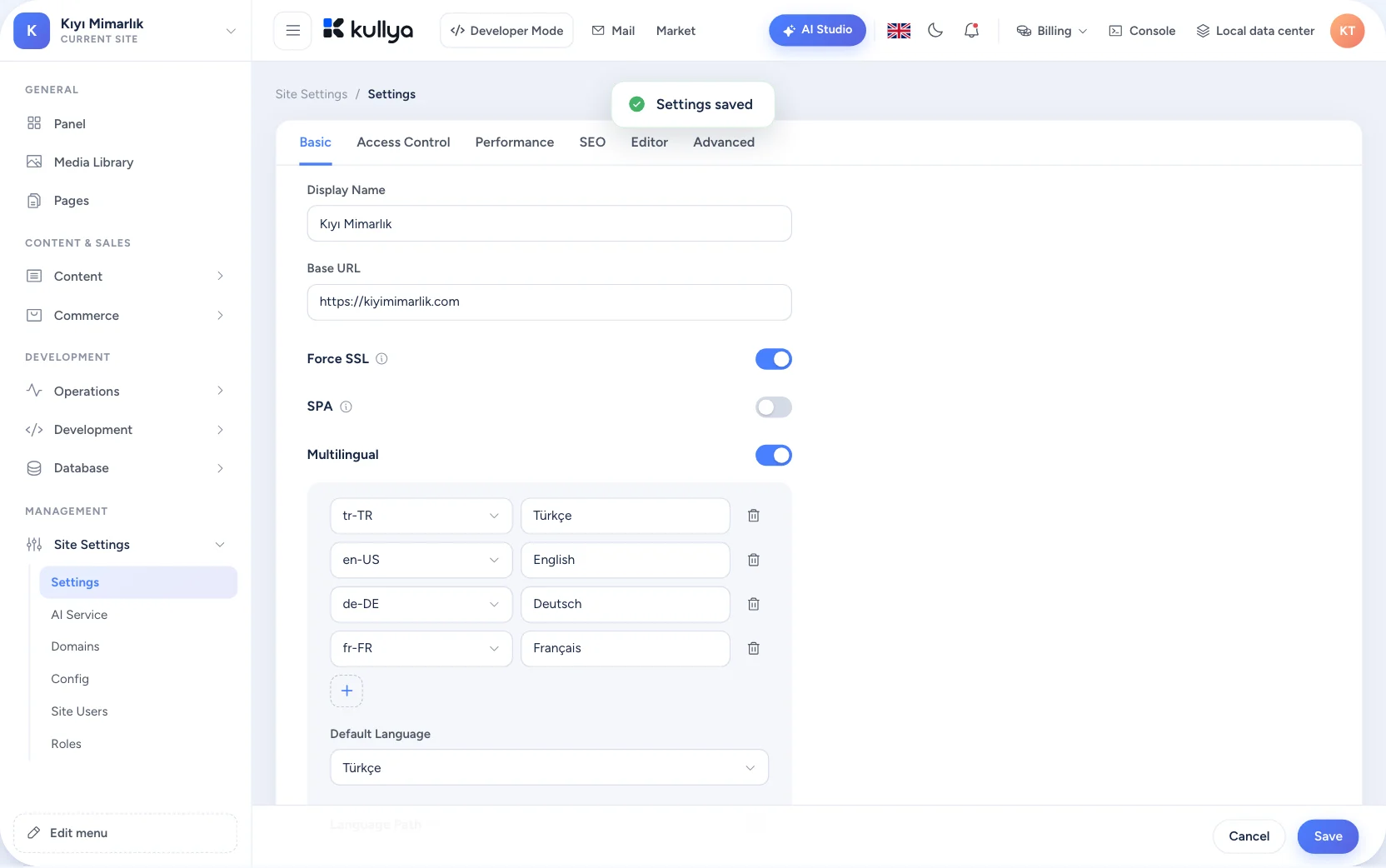
Multilingual content editing
Market package details and install
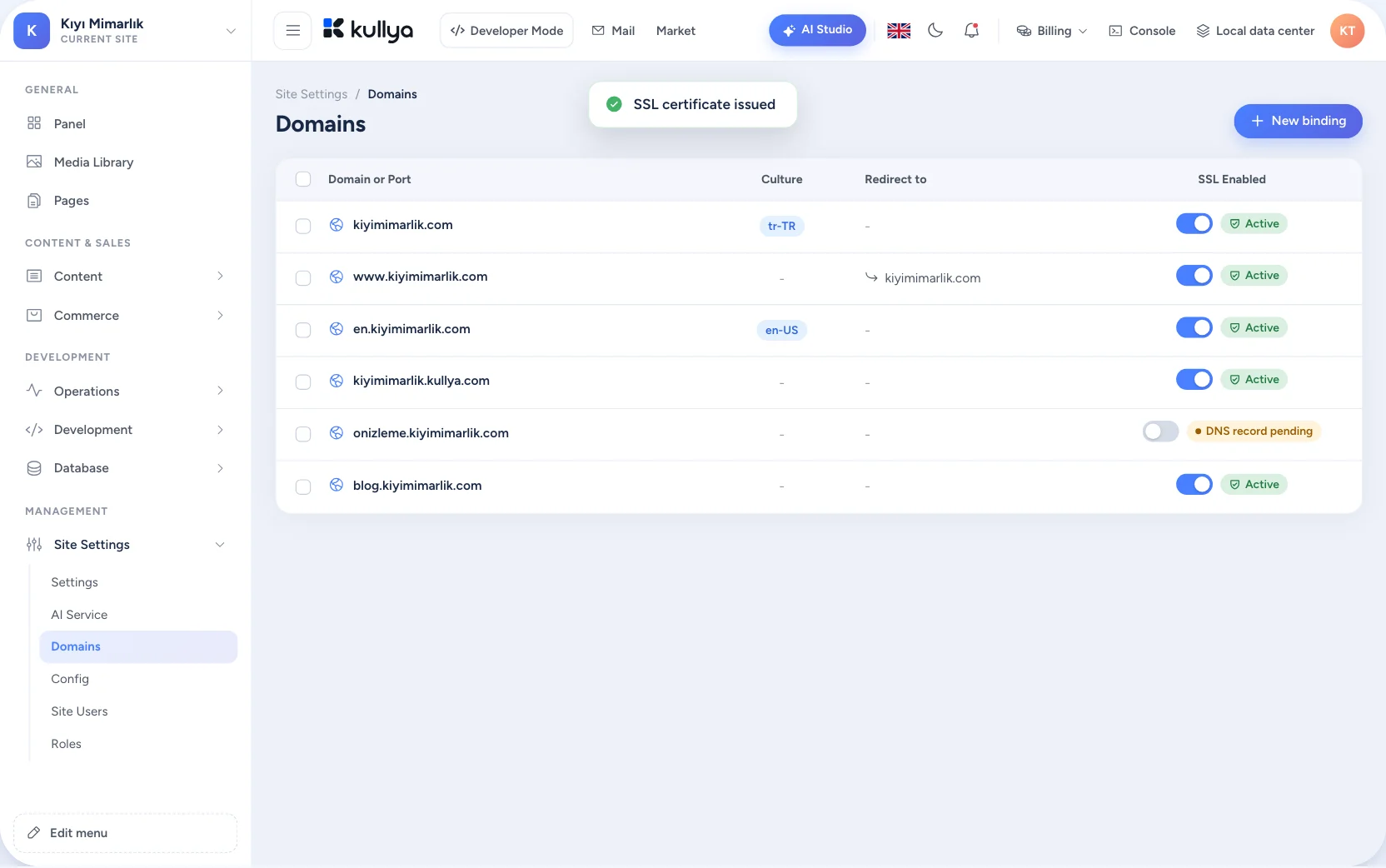
Domain binding and visitor logs

One Kullya instead of separate tools

Site builder, hosting, domain, email, forms, analytics and store often live in separate places. Each has its own login and its own settings, and you are the one who connects them. Kullya brings them together in one panel.

  • One login, one panel
  • The same content and data on every surface
  • Team permissions defined once
Separate toolsOne Kullya

Scattered tool cards are tied together by tangled lines, then turn into tabs of a single Kullya panel.

One platform, a different path for every team

Businesses and startups

Juggling separate tools for the site, domain, email and forms.

Start with a sentence, publish on your own domain and update content from the same panel.

  • Go live without writing code
  • Domain and email in one place
  • Add a store or portal as you grow
See how it works

Agencies and production teams

Setting up every client from scratch and scattered hand-offs.

Run many sites from one account, package what you build and hand over with roles and permissions.

  • Reusable packages
  • Roles and permissions per site
  • Clone and move sites
See how it works

Content and marketing teams

Waiting on a developer for a small copy change.

Select an element and change it, manage languages and publish a campaign page yourself.

  • Visual editing in place
  • Multilingual publishing
  • Change history and rollback
See how it works

Developers

Hitting the walls of closed site builders.

Bind data with the Template Engine, write APIs and business rules in KScript and debug in the browser.

  • Server-side code with KScript
  • Your own API endpoints
  • Access to databases and content
See how it works

AI gets you started. You keep control.

Two ways of working meet on the same site.

Change it by chatting

Write your request, check the proposed change in the preview and nothing goes live until you approve it.

You: Make the main heading bigger and add the English version. · Kullya: The heading is updated and added to the English page. Check it in the preview and I'll save it once you approve.

Refine with visual tools or code

Open the same element in the visual editor or in its real CSS rule. Drop down to the server side with KScript whenever you need to.

styles/site.css
.hero h1 {
  font-size: clamp(2.5rem, 6vw, 4.5rem);
  letter-spacing: -0.03em;
}

Market: the short way to add new capabilities

Websites, e-commerce sites, applications and tools arrive as packages. You see what they bring before you install them.

The first collection is being prepared.

Explore the Market
  • WebsitesComplete, ready-made websites with their pages, layouts and content.
  • E-commerceStore-ready sites with a product, cart and order structure.
  • ApplicationsPortals and business applications with their own data model and code.
  • ToolsSmall utility sites that do one job.

Learn with KullyaLib

Start with short learning paths and go down to the technical reference when you need it.

An API endpoint in KScript

JavaScript that runs on the server. It reads a value from the request and answers with JSON.

KScript
// api/hello.js
const name = k.request.get("name") || "world"

k.response.json({
  message: "Hello " + name,
})

Infrastructure, security and ownership

  • SSL certificates

    Issuing and renewing certificates for the domains you connect is managed from the panel.

  • Roles and permissions

    Define users and roles per site and decide who can change what.

  • Change logs

    Changes on your site are logged, so you can review a change and roll it back.

  • Export

    Export your site as a package and move it somewhere else.

  • Region choice

    Choose which data center your site runs in when you create it.

  • Synchronisation

    Sync your site with another Kullya server to manage how you publish.

Frequently asked questions

Can I build a site without knowing how to code?

Yes. You start by describing what you want and change pages with the visual editor. Code only comes in when you want more control.

Is Kullya just a website builder?

No. On the same platform you manage content, data, email, domains, commerce and your own APIs. A site can grow into a portal or a store over time.

Can I use my own domain?

Yes. You can connect an existing domain and manage its DNS records and SSL certificate from the panel.

Can I move my existing site or content?

Site creation includes import and clone options. How much carries over depends on how the source is built.

Can I publish in more than one language?

Yes. You turn on languages and manage content and URLs separately for each one.

Can I edit everything the AI creates?

Yes. Pages, content and styles produced by the AI are regular parts of your site, and you can change them with the visual editor or with code.

Can developers use the API and the template engine?

Yes. You bind data to pages with the Template Engine and write server-side APIs and business rules in KScript.

Who owns my data?

You can export your site and move it. Data processing and ownership terms will be set out in detail in the terms of use.

What happens to my site when I change plans?

The rules for plan changes will be published on the pricing page. You can get in touch with us before you decide.

Let your next site start with an idea.

Start with a sentence and shape the rest together.